CRM Virtual Assistant: What They Do & How to Hire One
A CRM virtual assistant runs your CRM day to day—data entry, hygiene, pipeline updates, automation, and reporting—so your team works from clean, current data. See the full task menu, costs, security model, platform notes, and how to hire one.
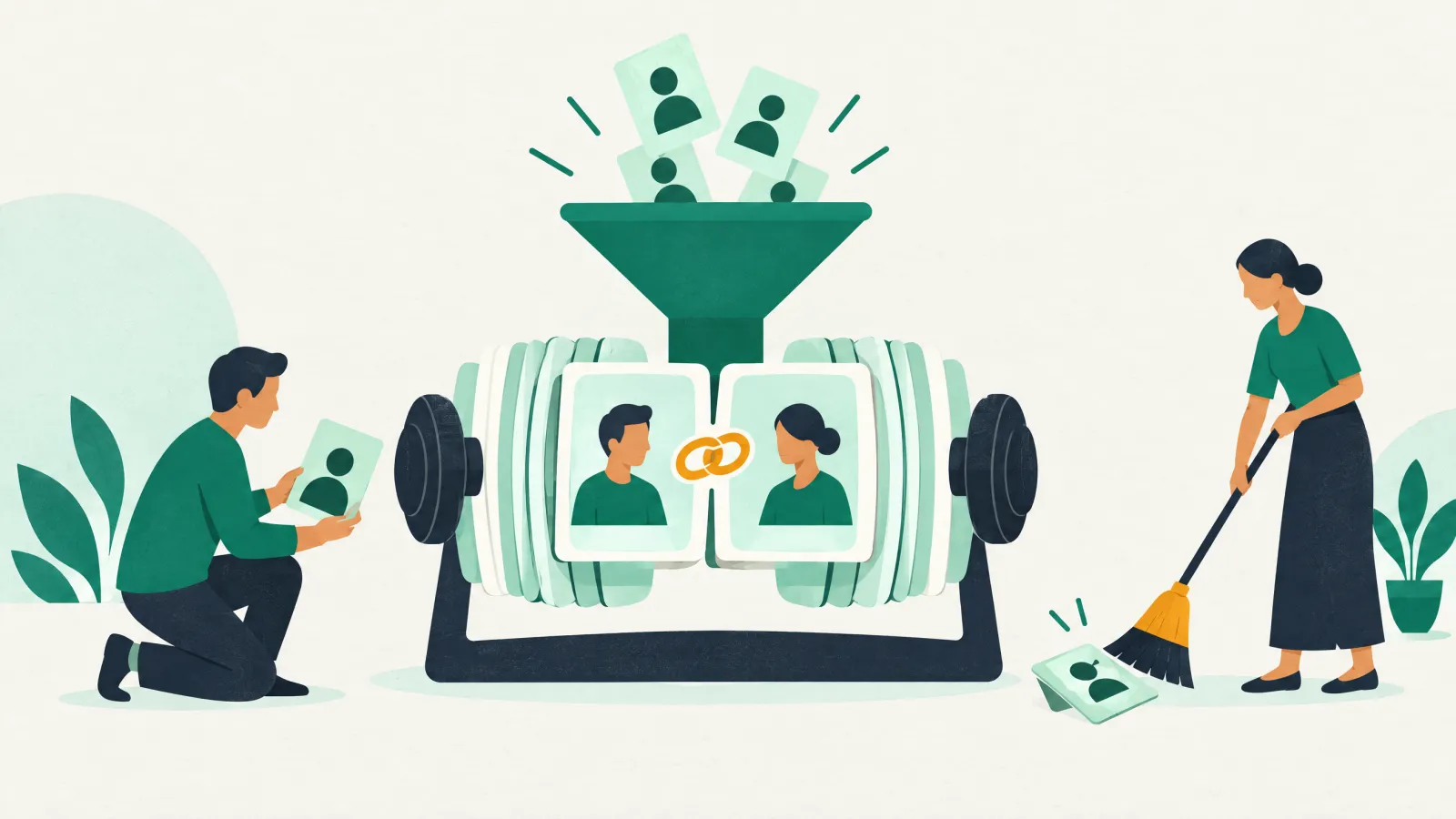
A CRM virtual assistant (CRM VA) is a trained remote operator who runs the day-to-day work inside your CRM — data entry and hygiene, contact and pipeline updates, lead routing, list segmentation, email-sequence and workflow admin, reporting, and integration upkeep — so your team works from clean, current data instead of drowning in CRM busywork.
Every business that lives in a CRM eventually hits the same wall: the software is fine, but nobody has time to run it. Records go stale, duplicates multiply, deals sit in the wrong stage, and the reports become guesswork. A dedicated CRM virtual assistant is the person who does that unglamorous, high-leverage work every day — the hands-on operator who keeps HubSpot, Salesforce, Pipedrive, Zoho, or GoHighLevel actually usable, at a fraction of the cost of a full-time hire.
This guide is the operator’s playbook. You will get a plain-English definition, the full menu of tasks a CRM VA handles, a sequencing method for what to delegate first, platform-by-platform notes, the data-quality checks that prove the work is landing, a realistic cost comparison, a data-security model, a first-30-days plan, and a robust FAQ. It is based on how we scope, match, and onboard CRM VAs at Catalyst Outsourcing.
Key takeaways
- A CRM virtual assistant is a hands-on remote operator who does the daily execution work inside your CRM — data entry, hygiene, pipeline updates, routing, segmentation, automation admin, and reporting.
- The role is distinct from a strategic CRM specialist: the specialist decides how the CRM should be built and used; the CRM VA keeps it clean and moving every single day.
- Delegate first the high-volume, low-judgement tasks — data entry, deduplication, list imports, activity logging — then graduate to workflows and reporting.
- The payoff is trustworthy data: clean, complete, deduplicated records turn an untrusted CRM into an accurate pipeline and a report leaders can act on.
- Expect to pay roughly a quarter to a third of an in-house admin’s loaded cost, with return driven by reclaimed selling hours and recovered pipeline.
- Protect your data with a least-privilege access model, a confidentiality agreement, and clear data-quality KPIs from day one.
What Is a CRM Virtual Assistant?
A CRM virtual assistant is a remote professional who handles the operational, repetitive work of running your customer relationship management system so your team does not have to. Where a general virtual assistant covers broad admin, a CRM VA lives inside one system: entering and cleaning records, updating pipelines, routing leads, maintaining lists and automations, and pulling reports — consistently, every day.
The role exists because a CRM is only as valuable as the discipline behind it. A platform like Salesforce or HubSpot promises a single source of truth, but that promise breaks the moment reps stop logging activity, imports create duplicates, and stages drift out of date. The CRM VA is the operator who prevents that drift — the difference between a CRM you fight and a CRM you trust.
Operator vs. architect. A CRM VA runs the system day to day; a strategic CRM specialist decides how the system should be structured and used. Most SMBs need the operator for consistent upkeep, and only call in the specialist (or a certified admin) for major builds and strategy.
What Does a CRM Virtual Assistant Actually Do?
The work falls into nine recurring areas. A strong CRM VA covers most of them; you scope which matter most based on your stage, platform, and where the data hurts most.
| Task area | What the CRM VA does day to day | Why it matters |
|---|---|---|
| Data entry & enrichment | Adding new contacts and companies, filling missing fields, appending job titles / phone numbers / sources, standardising formats | Complete records make every downstream action possible |
| Data hygiene & deduplication | Merging duplicate contacts and companies, correcting typos, archiving dead records, normalising picklists | Clean data = trusted forecasts and no wasted outreach |
| Contact & account updates | Logging calls, emails and meetings, updating statuses, attaching notes and documents to the right record | A full activity history everyone can rely on |
| Pipeline & deal updates | Moving deals through stages, updating amounts and close dates, flagging stalled deals, closing out dead opportunities | An accurate pipeline is an accurate forecast |
| Lead routing & assignment | Applying assignment rules, distributing inbound leads by territory or round-robin, tagging source and priority | No lead sits unclaimed or falls through the cracks |
| List segmentation & imports | Building and maintaining lists and segments, importing trade-show / webinar / purchased lists cleanly, managing suppression lists | The right message reaches the right audience |
| Email-sequence & workflow admin | Setting up and maintaining email cadences, follow-up reminders, task automations, notification triggers and cleanup of broken flows | Follow-ups happen automatically instead of being forgotten |
| Reporting & dashboards | Building and refreshing dashboards, weekly pipeline snapshots, activity reports, data-quality scorecards | Leaders see reality, not a spreadsheet rebuilt by hand |
| Integrations & QA | Monitoring email / calendar / marketing / form connectors, catching sync errors, spot-checking data quality and adoption | Data flows in automatically and stays reliable |
Many of these overlap with sales support, which is why CRM upkeep is so often combined with the work a virtual sales assistant does to close more deals — and why an outbound call center virtual assistant who logs every dial pairs so naturally with a CRM VA who keeps that record clean. If your pain is purely volume — thousands of records to enter and clean — a focused data-entry virtual assistant may be the faster starting point.
Where the CRM VA sits in your workflow
CRM Virtual Assistant vs CRM Specialist vs In-House Admin
These three roles get lumped together, but they solve different problems — and picking the wrong one wastes money. The CRM VA is the day-to-day operator, the CRM specialist is the strategist, and the in-house admin is the fixed-cost employee who does both at full loaded cost.
| CRM virtual assistant (operator) | CRM specialist (strategist) | In-house CRM admin | |
|---|---|---|---|
| Owns | Daily execution: entry, hygiene, pipeline updates, routing, lists, automation admin, reporting | How the CRM is structured and used: process design, strategy, major builds | Both, plus platform architecture and security |
| Best for | SMBs and sales teams that need consistent upkeep | Teams redesigning or scaling their CRM strategy | Large orgs with a complex, mission-critical platform |
| Engagement | Part- or full-time remote, ongoing | Project or fractional | Full-time salaried hire |
| Relative cost | Lowest — pay for hours used | Medium — specialist rate for defined scope | Highest — salary + benefits + overhead |
For most growing businesses the sequence is: get a CRM VA running the daily upkeep first, because that is where the quick wins are, and bring in a CRM specialist for the strategic decisions only when you are redesigning process or migrating platforms. Reserve a full-time in-house admin for when the CRM is genuinely mission-critical and complex.
What to Delegate First: The CRM VA Task Ladder
Hand off the high-volume, low-judgement tasks first — they need the least context, carry the least risk, and free the most time immediately. As trust and documentation build, climb the ladder toward tasks that need more platform skill and business judgement.
This ordering mirrors how the best delegation works generally — hand off the high-cost, low-effort-to-transfer tasks first. If you want the full method, our guide on how to hire a virtual assistant walks through scoping and sequencing any handoff, not just CRM.
Platform-by-Platform: How a CRM VA Works in Each System
The day-to-day rhythm rhymes across platforms, but the tools and quirks differ. Hire for proven, recent experience in your stack — not CRMs in general.
| Platform | Typical fit | What the CRM VA runs day to day | Operator watch-out |
|---|---|---|---|
| HubSpot | SMBs, marketing-led, inbound | Lists, lifecycle stages, deal pipelines, workflows, form and marketing sync, dashboards | Property sprawl and overlapping lists get messy fast |
| Salesforce | Larger, sales-led, complex orgs | Reports and dashboards, list views, Data Loader imports, flow upkeep, dedupe rules | Admin-level and security changes need a certified admin, not the VA |
| Pipedrive | Lean sales teams wanting simplicity | Pipeline stages, activity tracking, automations, smart-data cleanup, imports | Light on native reporting depth — plan exports |
| Zoho CRM | Cost-conscious SMBs, Zoho-suite users | Workflow rules, blueprints, module cleanup, custom views, integration upkeep | Heavy customisation creates maintenance debt |
| GoHighLevel | Agencies, coaches, local-service businesses | Pipelines, funnel and form data, SMS/email automations, sub-account and calendar upkeep | Automation triggers can double-fire if not QA’d |
A revealing screening question: “Walk me through how you would deduplicate 5,000 contacts in [our platform] without breaking associations.” A capable CRM VA answers with a real, ordered process in seconds.
The Data-Quality QA Loop: How a CRM VA Keeps the System Trustworthy
Entering and updating records is only half the job. The best CRM VAs run a lightweight quality-assurance loop so the data stays reliable and the team actually adopts the system. It is a repeating weekly rhythm:
- Audit — scan for new duplicates, blank required fields, stale open deals, and unassigned leads.
- Fix — merge, fill, validate, route, and archive against agreed standards.
- Automate — where a fix is recurring, build a rule or reminder so it stops needing manual effort.
- Report — publish a short data-quality scorecard so leadership sees the trend, not just the tidy.
This loop is what turns a CRM VA from a data-entry clerk into a system owner — the person who makes the CRM better every week rather than just keeping pace with the mess.
The KPIs that prove it is working
Treat the CRM VA like an investment and track the return. “The CRM feels tidier” is not a metric — these are:
| KPI | What it measures | Healthy direction |
|---|---|---|
| Duplicate rate | % of records with duplicates | Trending toward <1% |
| Field completeness | % of required fields populated on key records | Rising toward 90%+ |
| Data freshness | % of open deals updated in the last 14 days | Rising |
| Stale-deal count | Open deals with no activity past a threshold | Falling |
| Lead response time | Time from inbound lead to routed / assigned | Falling |
| Reporting cadence | On-time delivery of the weekly pipeline report | 100% on time |
Set a baseline in week one, then review monthly. Clean data is not admin overhead — it is a revenue safeguard, because targeting, handoffs, and forecasting all run better on it.
What Does a CRM Virtual Assistant Cost? (And the ROI)
A CRM VA is dramatically cheaper than an in-house equivalent because you skip the loaded cost of a full-time employee — salary, benefits, payroll tax, software seats, equipment, and recruiting. The figures below are illustrative ranges to show the shape of the decision; your real numbers depend on region, hours, and seniority. For live figures, see our pricing page and how much a virtual assistant costs.
| Option | Illustrative monthly cost | Includes | Flexibility |
|---|---|---|---|
| In-house CRM admin | Highest (full loaded salary + overhead) | Salary, benefits, tax, equipment, software, recruiting time | Low — fixed cost, slow to scale |
| Full-time CRM virtual assistant | ~25–40% of in-house | Dedicated hours, managed by you | Medium — scale hours up or down |
| Part-time / fractional CRM VA | Lowest | A few hours per week of upkeep | High — pay only for what you use |
The ROI is easy to see. Suppose a clean, well-run CRM frees each of four reps just three hours a week of admin and lookups (an illustrative figure — measure your own). That is 12 reclaimed selling hours weekly, redirected to pipeline. If even a sliver of that recovered time closes one extra deal a quarter, the CRM VA pays for itself many times over — before you count the deals saved by catching a stalled opportunity in a clean pipeline.
Keeping Your Data Safe: The CRM VA Access & Security Model
Handing someone the keys to your customer database is a real decision, and it is safe when you control access deliberately. The model we use with every CRM VA:
- Least-privilege access — start with data-entry and reporting permissions, not admin. Expand to import and workflow rights only as trust builds; never hand over the security model or user-permission settings.
- A signed confidentiality / NDA agreement before any access is granted.
- Secure credential sharing — a password manager and, wherever possible, the VA on their own named user account so every action is auditable.
- A documented data-handling policy aligned to the regulations you fall under — GDPR, PDPA, CCPA. A simple data-protection checklist is a good starting point.
- Regular access reviews — revisit who can see and do what, and revoke anything no longer needed.
Reputable providers train VAs on data handling as standard and keep ownership of your security architecture with you. Access is something you grant in layers, not all at once.
How to Hire and Onboard a CRM Virtual Assistant
Hiring well is mostly about scoping tightly and onboarding deliberately. The path we use:
- Audit your CRM first. Note the platform, the worst pain (duplicates? stale pipeline? no reporting?), and the three to five tasks you most want off your plate. That becomes the scope.
- Write a tight role description. List the platform, the recurring tasks, the cadence (daily hygiene, weekly reporting), and the outcomes you will measure.
- Screen for your exact stack. Test proficiency with a scenario task, not just a CV — ask for a sample dashboard, list build, or dedup approach.
- Grant access in layers. Start read-then-write; expand permissions as trust builds. Never hand over admin or security settings on day one.
- Document as you delegate. Record a short screen-share of each recurring task and pair it with a checklist — the single biggest predictor of a handoff that sticks.
A realistic first-30-days plan
| Window | Focus | Outcome |
|---|---|---|
| Week 1 | Access, tooling, shadow the current process, document SOPs | VA understands your data model and conventions |
| Week 2 | Data-hygiene sprint: dedup, fill fields, validate, archive | A measurably cleaner database + a baseline scorecard |
| Week 3 | Pipeline cleanup + list/segment rebuild; start routine reporting | Trustworthy pipeline and first weekly report |
| Week 4 | Automate recurring tasks; agree ongoing cadence and KPIs | A self-running upkeep loop with defined metrics |
Want a CRM virtual assistant matched to your platform? Catalyst pairs teams with trained, ready-to-start CRM VAs across HubSpot, Salesforce, Pipedrive, Zoho, and GoHighLevel — usually in about two weeks. Explore our virtual assistant services or book a free consultation →
CRM VA vs AI: Do You Still Need a Human?
AI features inside modern CRMs are genuinely useful — they suggest next steps, draft emails, score leads, and flag anomalies. But AI does not own an outcome. It will happily summarise a pipeline that is full of duplicates and stale deals, because it cannot tell that the underlying data is wrong. A human CRM VA is the one who notices the mess, decides how to fix it, applies judgement to edge cases, and keeps the standards consistent so the AI has clean data to work with in the first place.
The most effective setup is not human or AI — it is a CRM VA using AI as a force multiplier: automations and AI handle the predictable bulk, the human handles judgement, exceptions, and quality control. Garbage in still means garbage out, and keeping the “in” clean is exactly the operator’s job.
A Short Worked Example
Picture a six-person B2B agency on HubSpot. The pipeline shows 180 open deals, but a third have not been touched in a month; contacts are riddled with duplicates from three different import sources; and the weekly forecast is a spreadsheet someone rebuilds by hand every Friday.
A CRM VA spends week one documenting conventions and shadowing the team, week two merging duplicates and validating records, and week three closing dead deals and rebuilding lists — then automates the weekly pipeline report and the inbound-lead routing. By month-end the founder stops rebuilding the forecast, reps stop hunting for the right contact record, and the duplicate rate drops from double digits toward the 1% target on the KPI table above. None of it required a full-time hire — just consistent, specialised, hands-on upkeep.
Which Businesses Get the Most From a CRM VA?
Any team that depends on a CRM and lacks the time to run it benefits, but the clearest fits are sales-led SMBs, agencies, real-estate and financial-services firms, e-commerce brands, and B2B teams running outbound. Real estate is a prime example: a real estate virtual assistant keeps an agent's kvCORE or Follow Up Boss pipeline clean while they are out closing; on the finance side, a virtual assistant for investment firms does the same for a deal pipeline in Affinity or DealCloud, and a mortgage virtual assistant keeps a loan officer's pipeline and conditions clean in Encompass or Calyx. Recruitment firms are another clear fit: a virtual assistant for staffing agencies keeps a candidate and client pipeline clean in Bullhorn or JobAdder while recruiters are out placing, and a virtual assistant for talent agencies does the same for a talent roster in Casting Networks or an agency CRM while agents are out booking. If your inbound volume is heavy, a CRM VA pairs naturally with a virtual lead-generation assistant — one fills the pipeline, the other keeps it clean and routed. IT service firms and MSPs are another clear fit: a virtual assistant for IT firms keeps the PSA and client records current while engineers stay on billable work.
Catalyst supports teams globally, with localised hiring for the United States and the United Kingdom, among other regions — so time-zone overlap and coverage match how your team actually works.
Frequently Asked Questions
What does a CRM virtual assistant do?
A CRM virtual assistant runs the day-to-day work inside your CRM: data entry and enrichment, deduplication and hygiene, contact and pipeline updates, lead routing, list segmentation and imports, email-sequence and workflow admin, integration upkeep, and reporting. The goal is a clean, current CRM your team can sell and report from.
How is a CRM virtual assistant different from a CRM specialist?
A CRM virtual assistant is the hands-on operator who does the daily execution; a CRM specialist is the strategist who decides how the CRM should be structured and used. Most SMBs need the VA for consistent upkeep and only bring in a specialist for major redesigns, migrations, or process strategy.
How much does a CRM virtual assistant cost?
Far less than an in-house hire — typically around a quarter to a third of a full-time CRM employee’s loaded cost, because you skip benefits, payroll tax, software seats, and recruiting. Part-time or fractional arrangements cost even less. See our pricing page for current figures.
Which CRM platforms can a CRM VA work in?
The most common are HubSpot, Salesforce, Pipedrive, Zoho, and GoHighLevel, but skilled CRM VAs also work in Microsoft Dynamics, Close, and Monday CRM. Always hire for proven, recent experience in your specific platform rather than CRMs in general.
What CRM tasks should I delegate first?
Start with the high-volume, low-judgement work: data entry, deduplication, activity logging, and list imports. These need the least context and free the most time immediately. Graduate to pipeline management, segmentation, workflows, and dashboards as documentation and trust build.
Is my customer data safe with a CRM virtual assistant?
Yes, with the right controls: least-privilege access (start with data-entry, not admin), a signed confidentiality agreement, secure credential sharing on a named user account, a documented data-handling policy aligned to GDPR/PDPA/CCPA, and regular access reviews. Reputable providers train VAs on data handling and keep your security model with you.
Can a CRM VA replace a full-time CRM admin?
For daily upkeep — hygiene, pipeline, lists, routine automations, and reporting — a CRM VA covers the same ground at a fraction of the cost. For platform architecture, security models, and complex migrations, you still want a certified administrator. Many teams use a VA for the day-to-day and an admin only for structural builds.
How do I measure whether my CRM VA is doing a good job?
Track data-quality KPIs: duplicate rate trending under 1%, field completeness rising toward 90%+, open deals updated within 14 days, falling stale-deal counts, faster lead-response times, and on-time weekly reporting. Set a baseline in the first week and review the trend monthly.
Turn Your CRM Into an Asset You Trust
A CRM only pays off when the data inside it is clean, current, and trusted — and that takes consistent, hands-on work most teams never get around to. A CRM virtual assistant makes that upkeep someone’s daily job, at a fraction of the cost of a full-time hire, so your team acts on real data instead of fighting the system.
Catalyst Outsourcing matches teams with trained CRM virtual assistants across HubSpot, Salesforce, Pipedrive, Zoho, and GoHighLevel — ready to start in about two weeks, with onboarding support so the handoff sticks. Explore our virtual assistant services, see our pricing, or contact us to scope a CRM VA for your stack.
Related Virtual Assistant Services
Related Industries
Related articles
- How to Onboard a Virtual Assistant: The Complete Playbook
- Best Practices for Integrating a Virtual Assistant into Your Remote Team
- Sales Pipeline Stages: How to Build and Manage One
- How to Delegate Effectively as a Business Owner: The Complete Guide
- CRM Virtual Assistant: What They Do, Cost & How to Hire
- The real estate agent's guide to delegating to a VA: what to hand over first
Helpful guides
- What do virtual assistants do?
- How a managed virtual assistant works
- How much does a virtual assistant cost?
- Virtual assistant vs in-house vs freelancer
- Compare virtual assistant options
- Tasks to delegate to a virtual assistant
- Virtual assistant interview questions
- What is an employer of record?
- Virtual assistant & outsourcing glossary